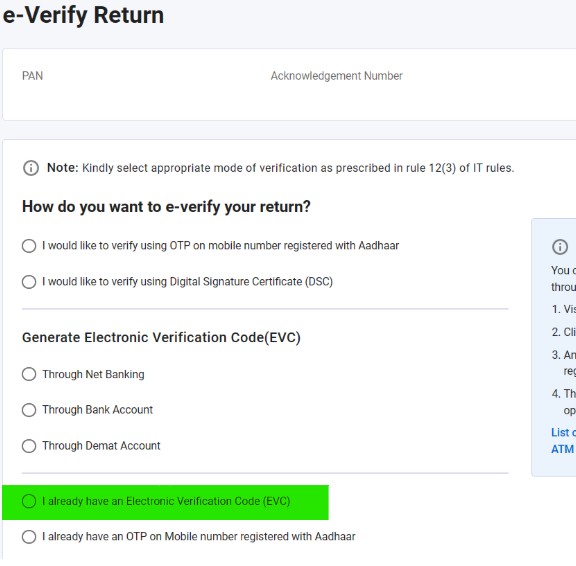
EVC, Electronic Verification Code, is needed to “E-Verify” any addition and deletion on the Income Tax Portal
STEP 1
Login to Bank Portal – www.icicibank.com
STEP 2
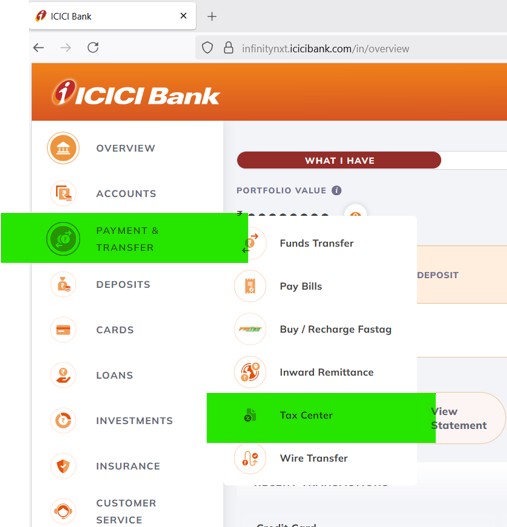
Go to “Payment & Transfer” menu, and click on “Tax Center“
STEP 3
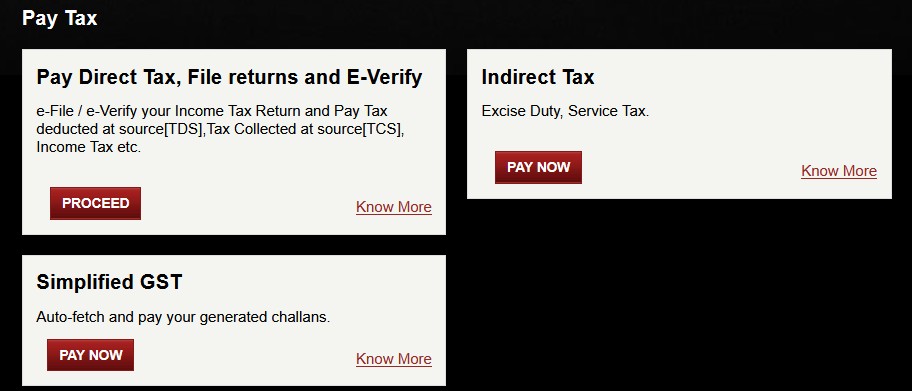
Scroll down and click on “Proceed” for “Pay Direct Tax“
STEP 4
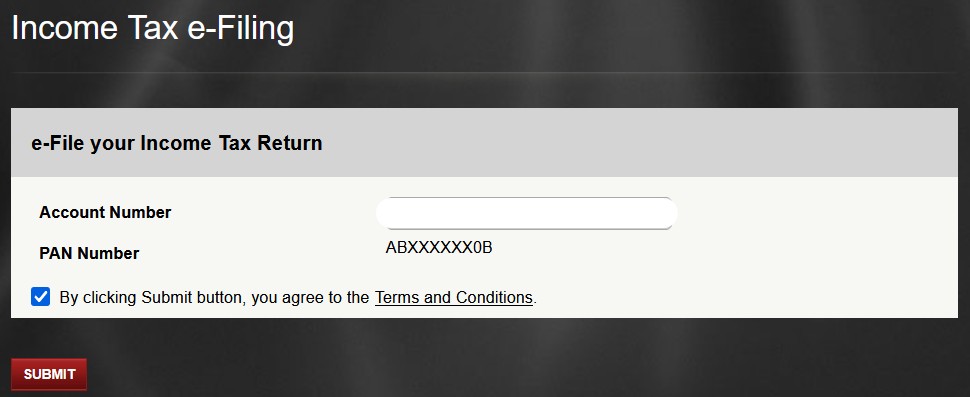
Verify details and “Submit“
STEP 5
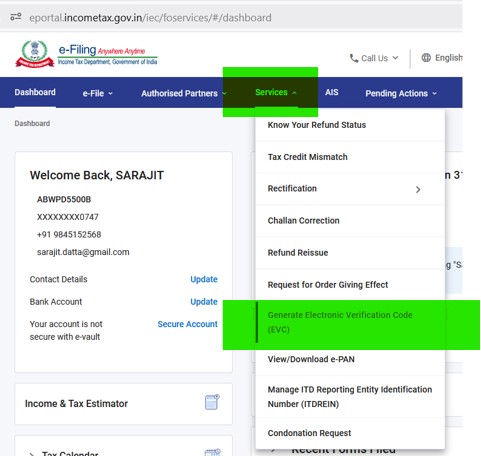
Have Patience and Wait, this will automatically login to the Income Tax Portal. Go to “Services” menu, and click on “Generate Electronic Verification Code (EVC)“
STEP 6
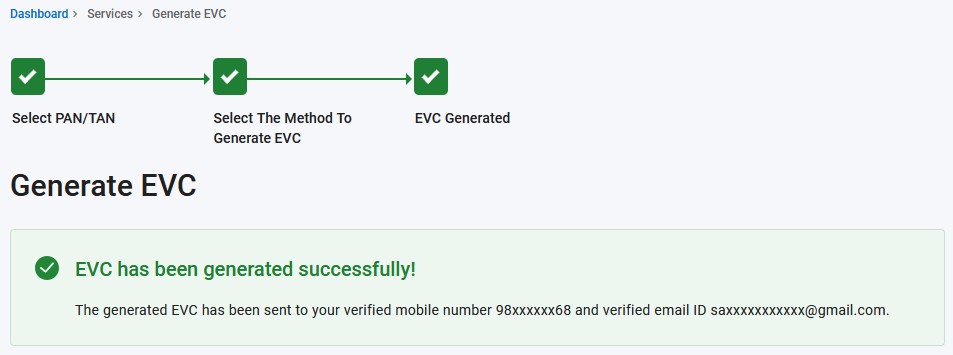
EVC is sent to email and mobile
STEP 7
This EVC can be used for any “E-Verify” option on the Income Tax Portal using option “I already have an Electronic Verification Code (EVC)“