Pre-Requisites –
- Try KYC Process during Business Hours and Weekdays
- Be patience, KYC Process can take anywhere from 20 minutes to 35 minutes
- Keep soft copy of PAN and Signature
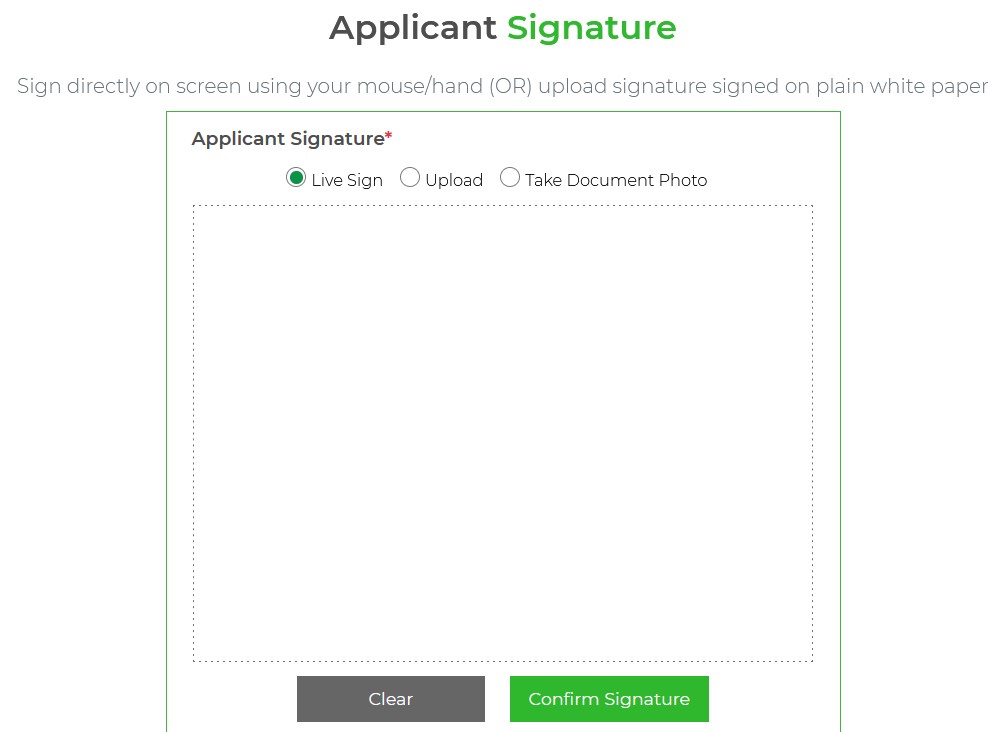
- For Signature, there is option to Sign Live during the process
- All the best !
STEP 1
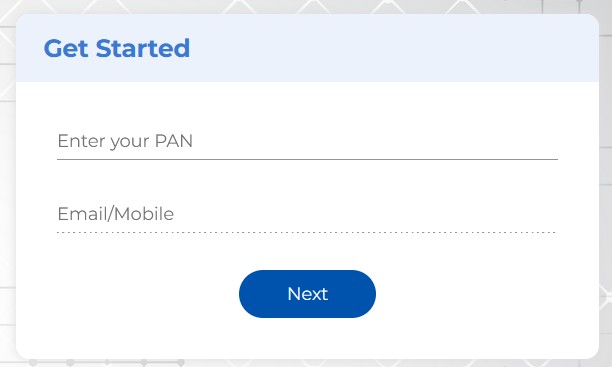
Visit https://digital.camsonline.com/kycmodification and Enter PAN & Email or Mobile
STEP 2
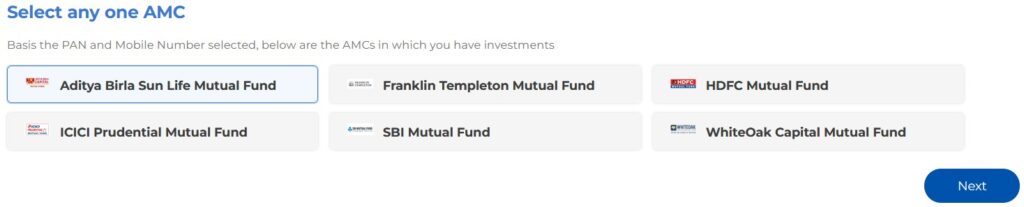
Enter OTP, click “Next”, and Select any AMC, click “Next”
STEP 3
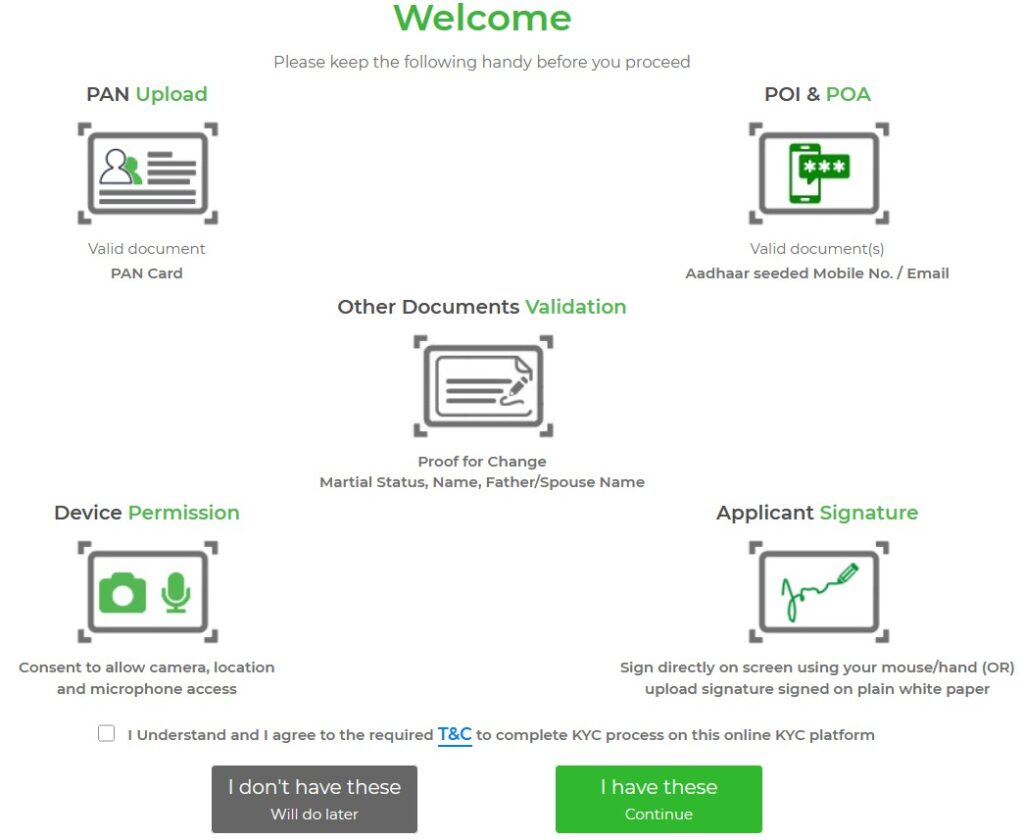
PAN and Signature soft copy keep handy
STEP 4
Review, if needed, edit contact details, and click “Continue”

STEP 5
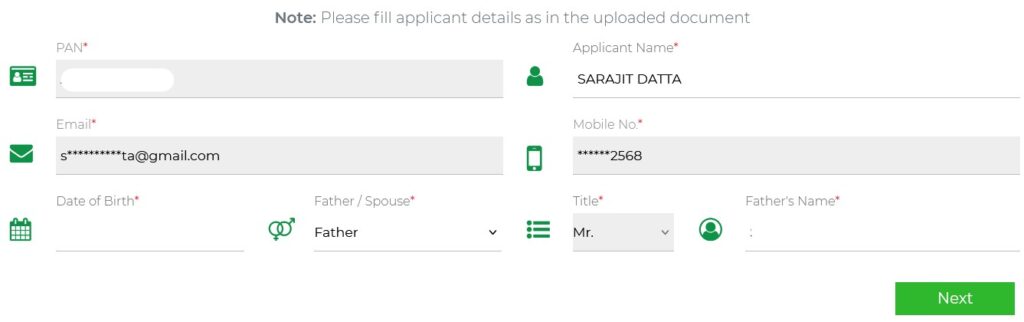
Upload PAN Copy, Review info and click “Next”
STEP 6
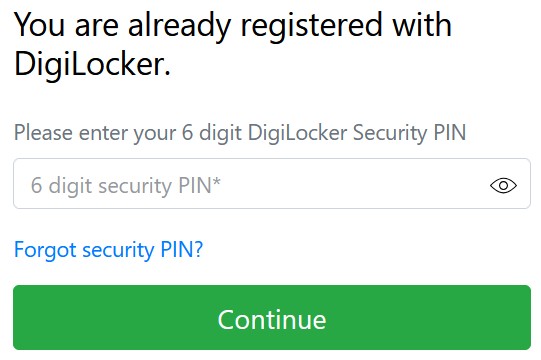
Enter Aadhaar Number, enter Aadhaar OTP received and enter DigiLocker PIN or Use “Forgot security PIN” or In case you do not have DigiLocker account, it will give you option to create one instantly
STEP 7
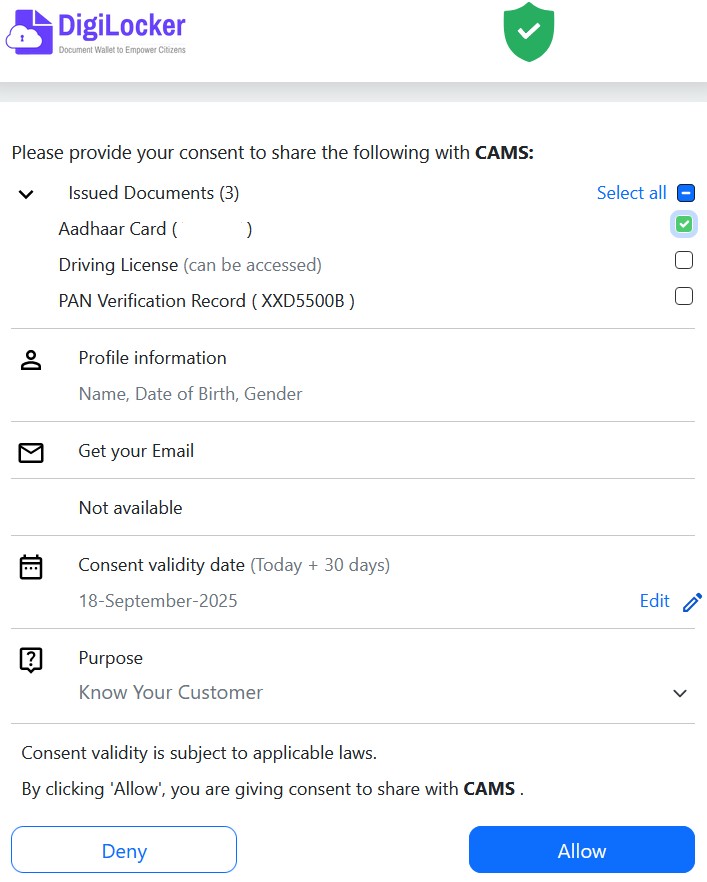
Enter “Mobile Number”, enter OTP received on mobile number, and Select “Aadhaar Card” & Review DigiLocker Consent
STEP 8
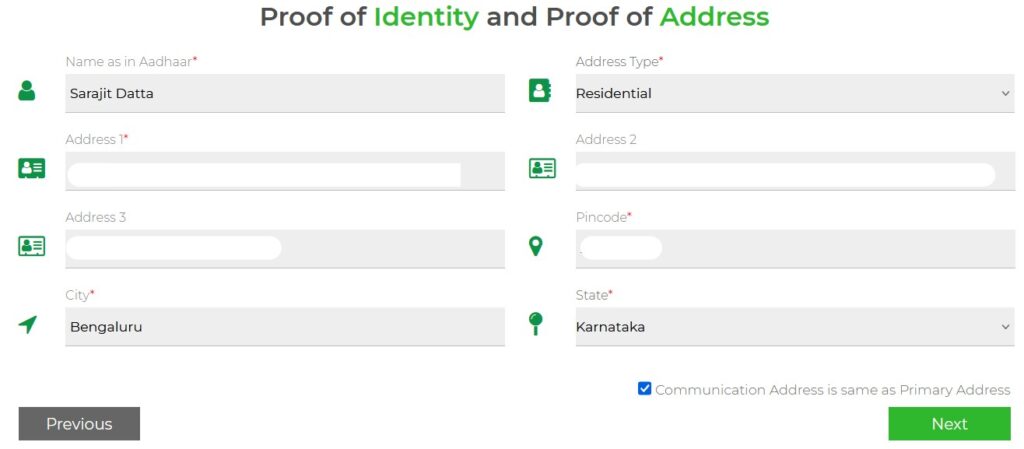
Review Identity and Address details
STEP 9
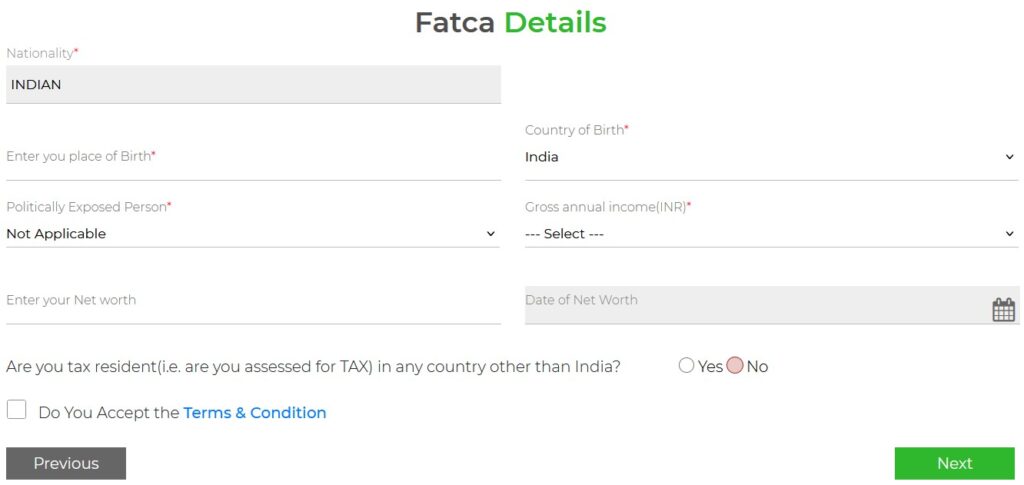
Review Additional Details, and enter & review FATCA Details
STEP 10
Capture Photo, and Upload Sign or Do “Live Sign”
STEP 11
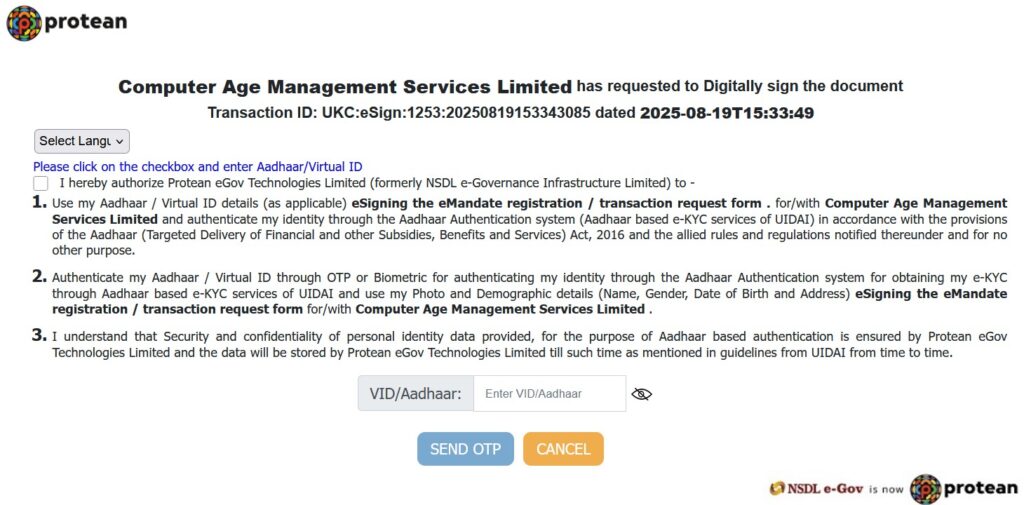
e-Sign using Aadhaar
STEP 12
KYC submitted, and Download KYC Acknowledgment